
How it works
Three steps. The whole job, done.
A senior-friendly experience for your clients. A complete workflow for you. Intake happens before the appointment, so you can spend the meeting helping clients choose the right plan instead of reading medication labels.
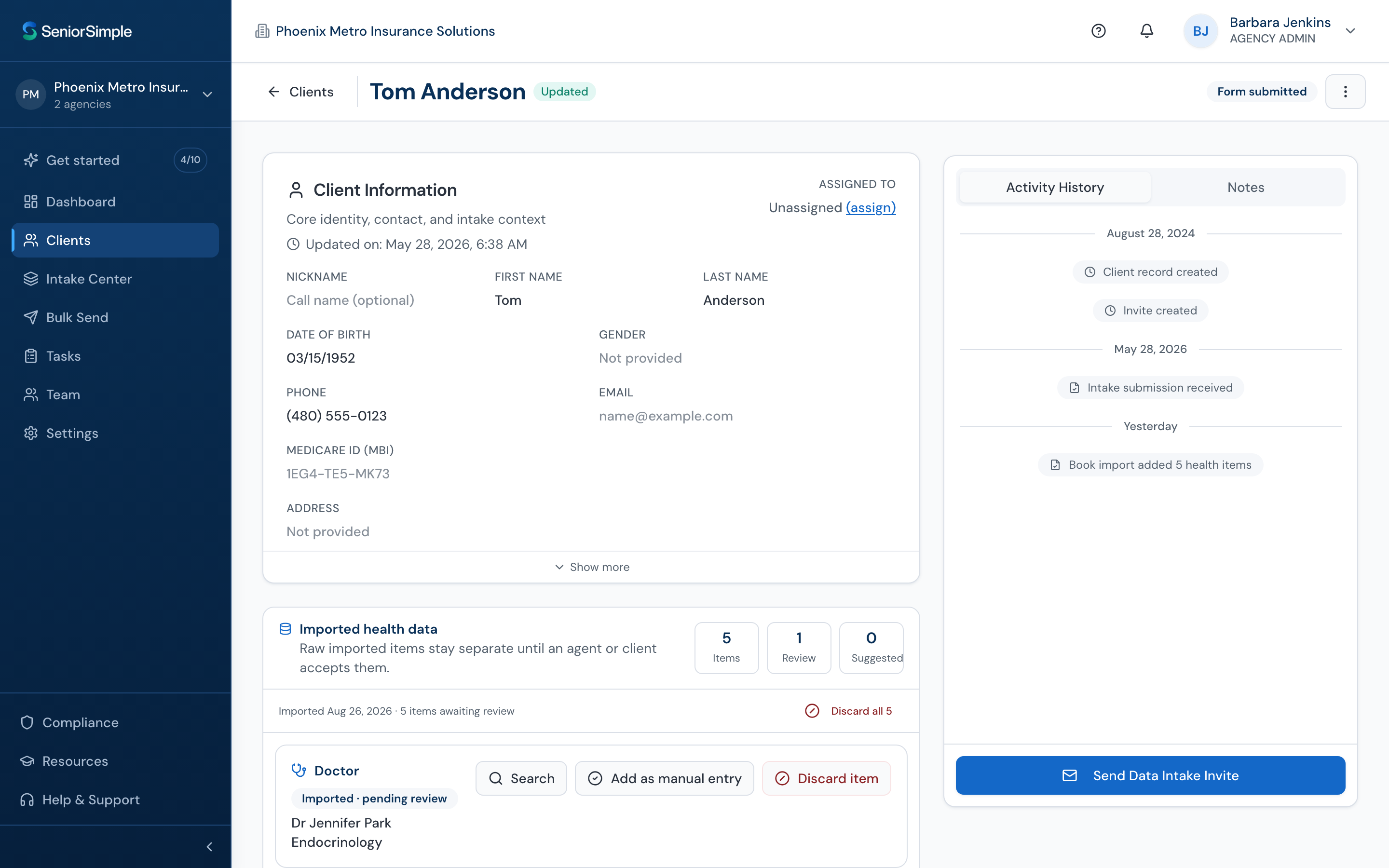
Send one secure link.
Pick a client, hit send.
- Generate a unique invite link from the client list, or send it by text from your CRM
- Branded with your agency logo and contact details
- Links are unique per client and expire after a set window
- Resend or regenerate anytime
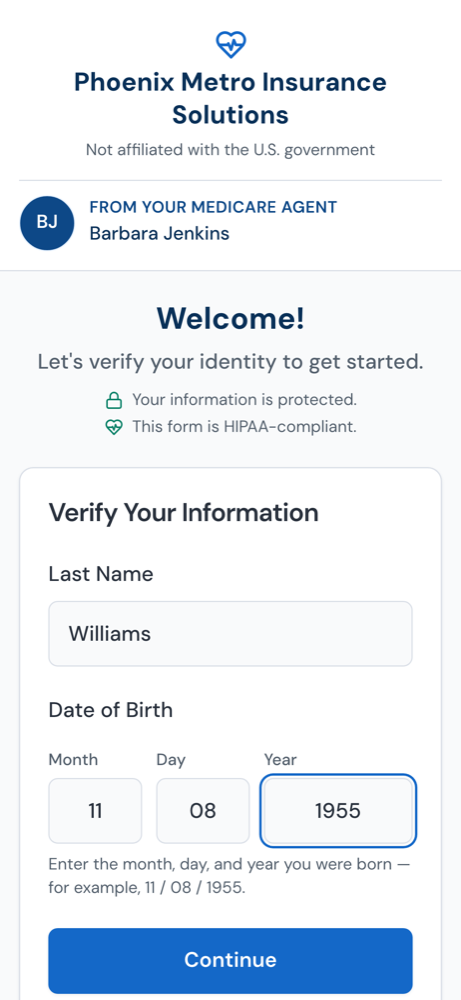
Your client fills it in on their phone.
No app, no password, powered by SeniorAssist™.
- Identity check: last name and date of birth, that's it
- Privacy-policy acknowledgment and Permission to Contact
- CMS-aligned Scope of Appointment, e-signed and saved with the client record
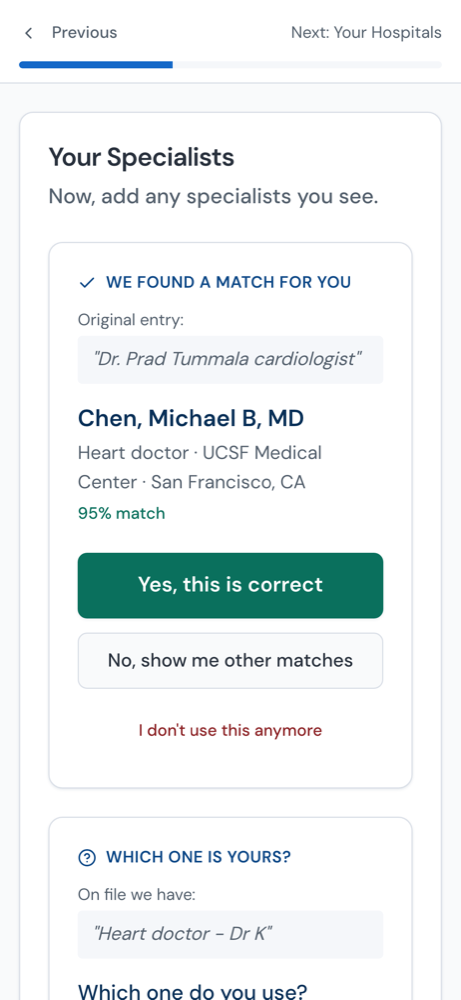
- Typeahead search for doctors, hospitals, pharmacies, and medications
- Progress saved at every step, so clients can resume within the invite window
Verified data, synced to your CRM.
Ready before you ever sit down together.
- Doctors, hospitals, pharmacies, and medications written to the matching contact
- SOA and PTC attached to the client record
- Connects to your CRM, no manual mapping
- Trigger workflows in your CRM the moment intake is submitted
Your client's view
A senior-friendly form, all the way through.
Six short screens. Plain language. Large touch targets. Most clients finish in under 10 minutes.
Privacy & welcome
A short, plain-language welcome from your agency. Client acknowledges the privacy policy — versioned and time-stamped.
Permission to Contact
Client confirms how you may reach out — phone, text, or email — and e-signs the PTC. Saved with the client record.
Scope of Appointment
CMS-aligned SOA presented in clear language. E-signed and valid for 12 months from signature date.
Doctors & hospitals
Typeahead search across verified providers. Client picks real names — no free text, no typos.
Pharmacy
Client selects their preferred pharmacy from a verified list. Flag for mail-order or alternates.
Medications
Verified drug search with strength and dosage. A 'can't find it' flag routes anything unusual back to you.
Mobile-first. Plain language. Large touch targets. No login to create, thanks to SeniorAssist™ technology.